
Maximize your score with these resources:
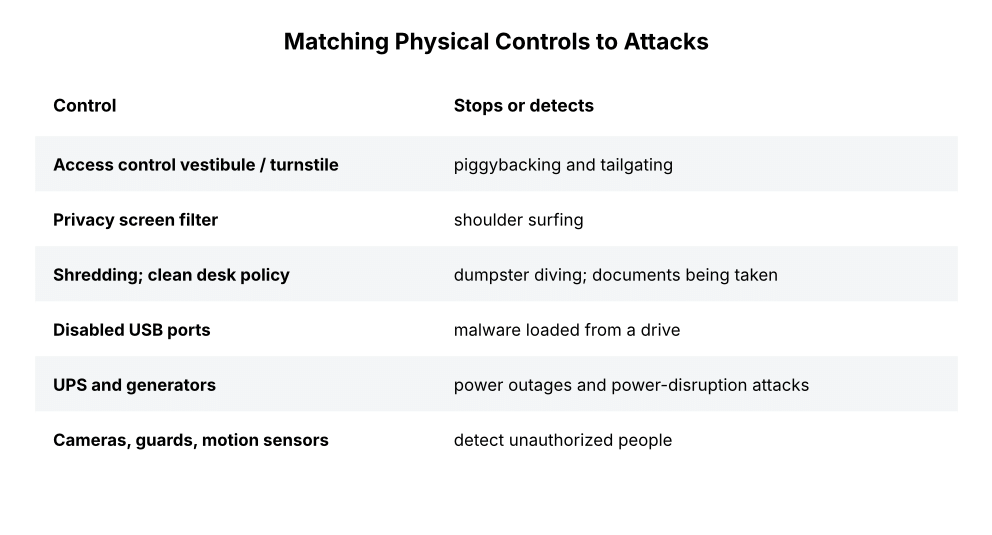
Locks, fences, and turnstiles try to keep adversaries out. But no barrier is perfect, so security teams also need to know when someone gets through. A camera that nobody watches, or a motion sensor that beeps every time someone walks to the copier, adds little protection. Detection works only when the right tools sit in the right places and someone acts on what they reveal. Topic 2.4 covers how to detect physical attacks, where to put detection controls, and how to read the evidence they produce.
This article covers Topic 2.4: Detecting Physical Attacks in Unit 2, Securing Spaces. The topic asks you to identify how security controls detect physical attacks, determine effective placement of those controls, and apply detection techniques to identify physical attacks.
By the end, you should be able to:
- Describe how cameras, guards, motion sensors, and employees detect physical attacks.
- Explain where to place cameras, motion sensors, locks, and guards, and why.
- Explain why pairing motion sensors with cameras improves detection.
- Use door sensor logs to spot possible piggybacking or tailgating.
Four Ways to Detect a Physical Attack
| Control | How it detects |
|---|---|
| Cameras | Capture a visual record; most effective when the feed is recorded and monitored; recordings are valuable in after-incident investigations |
| Security guards | Monitor an area and respond to suspicious activity |
| Motion sensors | Alert security to movement in an area |
| Employees | Often the first to notice an unauthorized person, and can alert security |
Placing Detection Controls
Cameras: consider visual coverage, angle, and how easily an adversary could tamper with the camera. Ask what the camera would capture an adversary doing there and how that footage would help. Points of ingress and egress (entrances and exits) are common camera locations.
Motion sensors: place them where traffic is unexpected, such as server rooms or storage areas for sensitive materials. In busy areas they create constant false alarms, and people start ignoring them, so a real event may be missed.
Locks: put them on every entry to areas with sensitive information or systems. For especially sensitive areas, add an access control vestibule to stop piggybacking and tailgating.
| Guard type | Strength | Best placement |
|---|---|---|
| Stationary | Constant protection for one area, entrance, or high-value item | Places that funnel traffic: entry gates, main entrances, lobbies, entrances to secure areas |
| Patrolling | Harder to plan around; puts time pressure on an adversary | Perimeters and exterior areas |
Detection Techniques in Action
- Cameras plus facial recognition can alert when unauthorized people enter controlled areas. After a breach, live and recorded footage helps defenders track the adversary’s path and actions.
- Motion detectors work best paired with cameras. When a sensor triggers, defenders check the camera to verify whether there is a real breach or a false alarm.
- Badge door sensors record how long a door stays open. A door held open much longer than normal can signal piggybacking or tailgating, since extra people are passing through on one badge.
Worked Example: Reading a Door Log
The server room door normally stays open about 4 seconds per badge swipe.
| Time | Badge | Door open (seconds) |
|---|---|---|
| 8:02 a.m. | J. Patel | 4 |
| 10:15 a.m. | M. Ruiz | 5 |
| 1:47 p.m. | J. Patel | 19 |
| 3:30 p.m. | L. Chen | 4 |
- Spot the anomaly: At 1:47 p.m., the door stayed open 19 seconds, nearly five times the normal length.
- Possible explanation: Someone may have followed J. Patel in (tailgating) or been let in (piggybacking).
- Verify: Check the camera footage at the server room entrance for 1:47 p.m. to see how many people entered.
- Respond: If an unauthorized person entered, track their path on other cameras and check what they accessed.
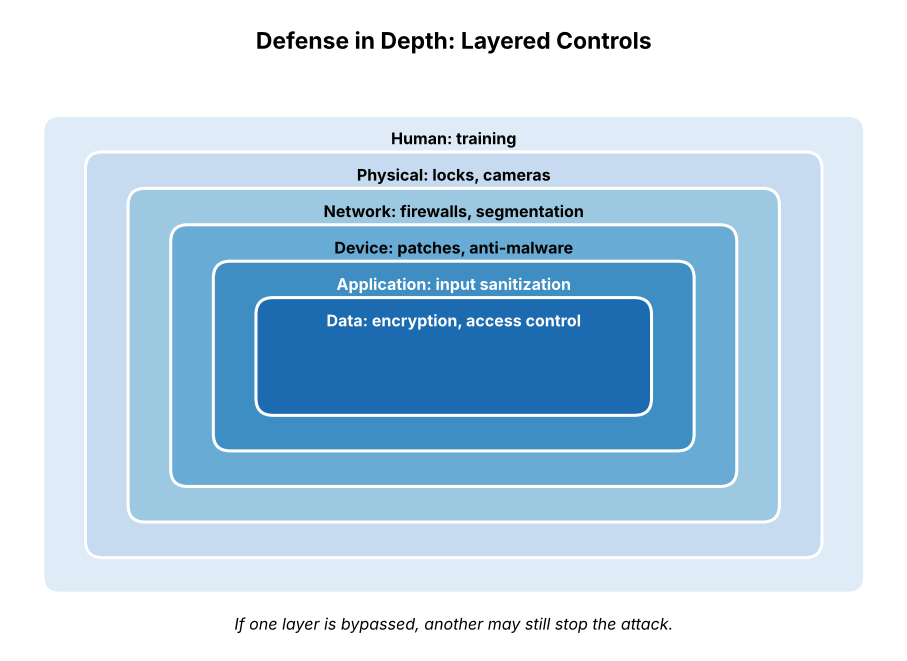
Why does this matter? Detection controls work as a team. The door sensor raised the flag, the camera confirmed it, and recorded footage shows what happened next. This layered approach is defense in depth applied to detection.
Test-Taking Strategies
Mnemonic Devices and Memory Shortcuts
Detection team: “See, Guard, Sense, Tell”: cameras see, guards guard, motion sensors sense, and employees tell security. Placement rule for motion sensors: “quiet rooms only.”
Cross-Topic Connections
- Topic 2.3: Protecting Physical Spaces covers the preventive controls that detection backs up.
- Topic 2.2: Physical Vulnerabilities and Attacks defines piggybacking and tailgating.
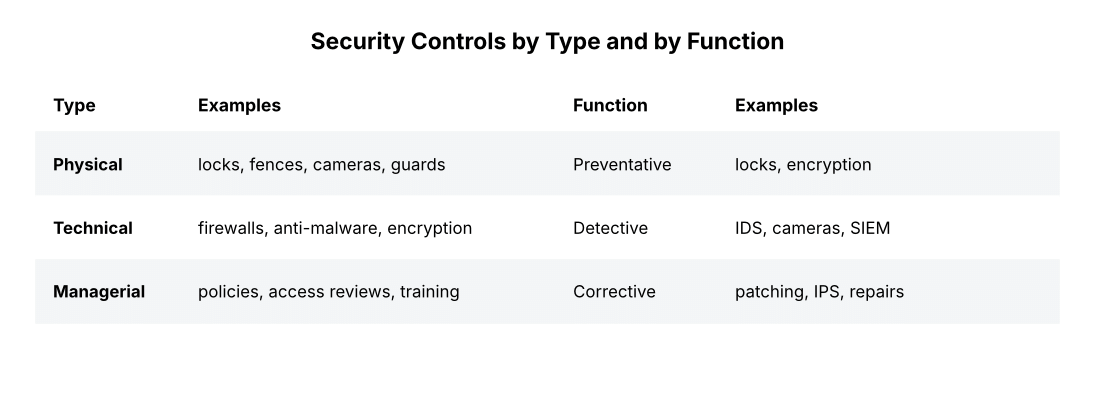
- Topic 2.1: Cyber Foundations classifies cameras as detective controls and explains defense in depth.
- Topic 1.5: Leveraging AI in Cyber Defense shows how AI sorts alerts, like facial recognition does for cameras.
Common Question Formats
- A floor plan asking where a camera or motion sensor should go.
- A door log asking which entry suggests tailgating.
- A scenario asking whether a stationary or patrolling guard fits better.
Frequent Student Mistakes
- Placing motion sensors in hallways or lobbies, which causes false alarms.
- Assuming an unmonitored camera provides strong detection.
- Forgetting that employees are part of detection.
Test-Day Shortcuts
In any log, find the normal pattern first, then look for the outlier. On door logs, that outlier is usually an unusually long open time or an entry at an unusual hour.
Time Management Tips
The AP Cybersecurity Exam on May 5, 2027, is fully digital in Bluebook. Detect Attacks is one of three skill categories, each worth 25 to 40% of the multiple-choice section, and log-reading skills also carry into the 50-minute Device Security Analysis question.
Check for Understanding
Think you’ve got it? Complete the quiz below to make sure. Download your results at the end.